Most portfolio websites are static.

A visitor lands on the homepage, scrolls through projects, checks the resume, maybe reads a blog, and then decides whether to reach out. That works, but I wanted to explore something more interactive.
I started thinking:
What if my portfolio could explain itself?
What if a visitor could simply ask:
“Show me your React animation projects.”
“Which projects use GSAP?”
“Summarize your frontend experience.”
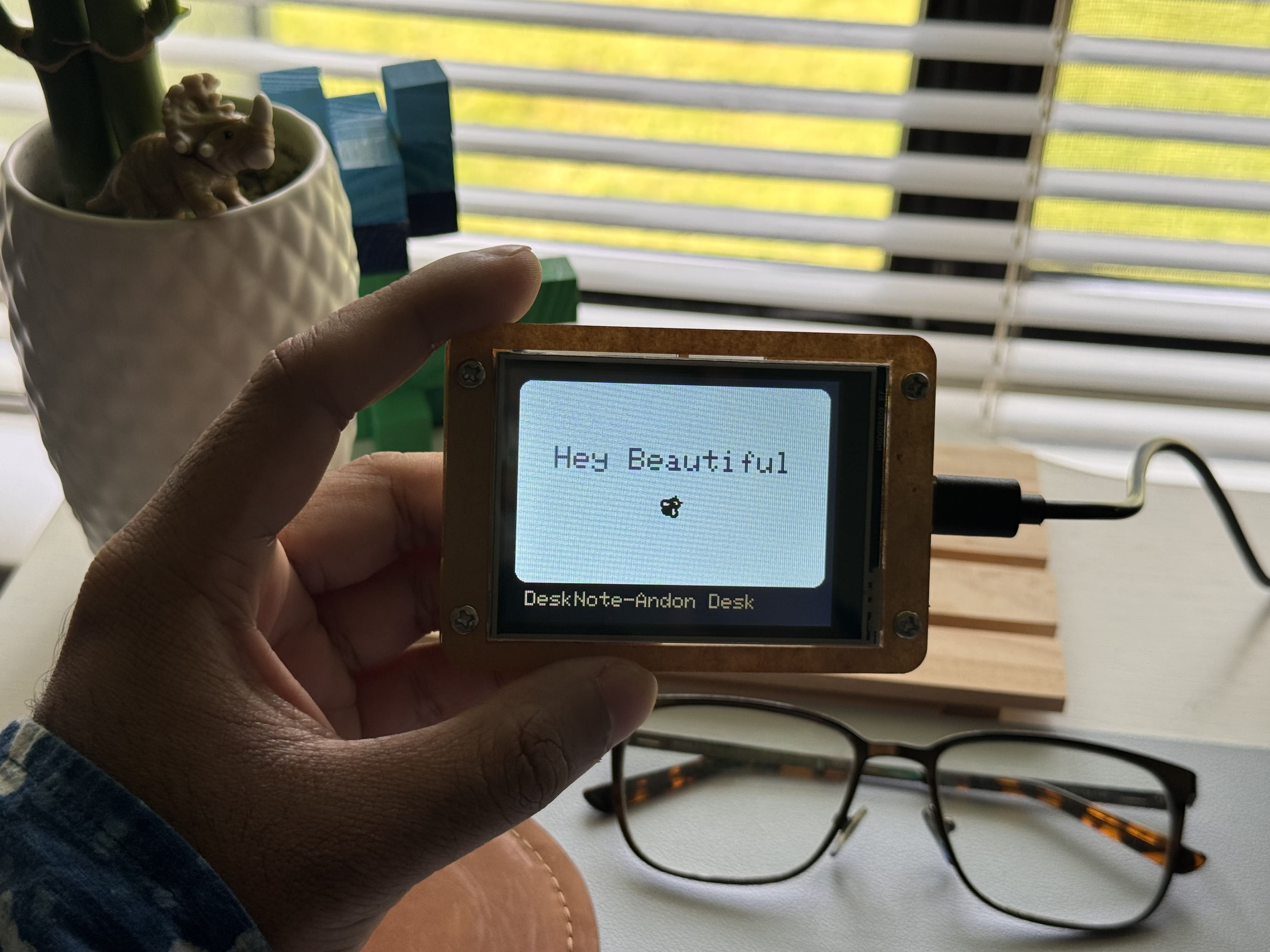
“Tell me about DeskNote.”
Instead of manually searching through pages, the visitor could have a conversation with my portfolio and get guided to the most relevant work.
That idea became my AG-UI powered Portfolio Copilot.
Why I Built This
Over the weekend, I studied AG-UI and wanted to understand how it can be used to build more interactive AI applications.
Most AI features on websites today feel like normal chatbots. You ask a question, the bot replies with text, and the experience ends there.
I wanted to build something different.
My goal was to create a copilot that could:
- Answer questions about my projects
- Search and filter my work
- Highlight relevant projects
- Summarize my resume
- Open internal portfolio pages
- Show project cards inside the chat
- Keep the UI updated in real time
So instead of only adding AI to my portfolio, I wanted the AI to actually interact with the portfolio interface.
What is AG-UI?
AG-UI stands for Agent–User Interaction Protocol.
In simple terms, AG-UI is an event-based way for an AI agent and a frontend application to communicate.
A traditional chatbot usually works like this:
User sends a message
↓
Backend sends one final response
↓
Frontend displays the response
An AG-UI-style application works differently:
User sends a message
↓
Agent starts a run
↓
Server streams structured events
↓
Frontend receives text chunks, tool calls, state updates, and errors
↓
UI updates in real time
This makes the experience feel more alive because the frontend does not only wait for a final answer. It can react while the agent is working.
For example, the UI can show:
Thinking...
Searching projects...
Filtering React projects...
Found 3 matching projects...
Updating preview...
That is what makes AG-UI useful for agentic applications.
The Idea Behind My Portfolio Copilot
My portfolio already has multiple types of content:
- Projects
- Blogs
- Resume
- Skills
- Experience
- Contact links
So I used my portfolio as the dataset for the AI copilot.
The copilot allows visitors to ask natural questions like:
Show me React animation projects.
Which projects use GSAP?
Show me AI-related work.
Summarize my frontend experience.
Tell me about DeskNote.
What makes this portfolio unique?
The AI agent then understands the question, decides which tool to use, and updates the interface based on the result.
For example, when someone asks:
Show me React projects with animation.The copilot can:
1. Understand the request.
2. Search my project data.
3. Filter projects by React and animation-related tags.
4. Highlight matching projects.
5. Show project cards inside the chat.
6. Update the live portfolio preview.
7. Stream a short explanation back to the user.
This turns the portfolio from a static website into a guided experience.
How the Workflow Works
The workflow starts with the visitor asking a question inside the Portfolio Copilot.
I used the OpenAI API as the AI agent. The frontend sends the user message to my backend API route. The backend starts an agent run, processes the request using OpenAI, calls the required portfolio tools, and streams structured events back to the frontend.
The frontend listens to these events and updates the chat, shared state, project cards, filters, and preview.
User asks a question
↓
Frontend sends request to backend
↓
Backend starts agent run
↓
OpenAI API processes the message
↓
Agent calls portfolio tools
↓
Server streams AG-UI style events through SSE
↓
Frontend receives events
↓
Chat, project cards, filters, highlights, and preview update
This is the main difference between a normal chatbot and an agentic UI.
A chatbot only responds.
An agentic UI responds and acts.
The Role of Server-Sent Events
To make the copilot feel real-time, I used Server-Sent Events, also known as SSE.
SSE allows the backend to continuously stream updates to the frontend during an agent run.
Instead of waiting for everything to finish, the frontend can receive smaller events such as:
RUN_STARTED
TEXT_MESSAGE_START
TEXT_MESSAGE_CHUNK
TOOL_CALL_START
TOOL_CALL_END
STATE_SNAPSHOT
RUN_FINISHED
RUN_ERROR
This helps the user understand what the agent is doing.
For example:
RUN_STARTED
→ The assistant has started processing.

TOOL_CALL_START
→ The assistant is searching projects.

STATE_SNAPSHOT
→ The UI state has been updated.

TEXT_MESSAGE_CHUNK
→ A part of the assistant response is streamed.

RUN_FINISHED
→ The assistant has completed the task.
These events make the experience feel faster, clearer, and more interactive.
Tools I Created for the Copilot
To make the AI useful, I created portfolio-specific tools.
Some of the tools include:
searchProjects(query)
filterProjectsByTech(tech)
getProjectDetails(slug)
searchBlogs(query)
getResumeSummary()
scrollToSection(sectionId)
highlightProjects(projectIds)
openInternalLink(path)
Each tool gives the agent a specific ability.
For example:
searchProjects(query)
This helps the copilot find projects based on the user’s question.
If the user asks:
Show me AI-related projects.The agent can call searchProjects("AI") and return matching work.
filterProjectsByTech(tech)
This helps filter projects by technology.
If the user asks:
Which projects use Next.js?The agent can filter the project list by Next.js.
getResumeSummary()
This allows the copilot to summarize my experience and skills.
If the user asks:
Summarize your frontend experience.The agent can use resume data and return a focused summary.
highlightProjects(projectIds)
This makes the UI respond visually.
Instead of only saying which projects match, the copilot can highlight them in the interface.
That is where the experience becomes more than chat.
Shared State: Keeping the Agent and UI in Sync
One of the most important parts of this project was shared state.
In a normal chatbot, most of the experience lives inside the conversation transcript.
But for this project, I wanted the UI outside the chat to also react.
So I used shared state to track things like:
{
  activeFilters: ["React", "GSAP"],
  matchedProjects: ["DeskNote", "Portfolio CMS"],
  highlightedProjectIds: ["desknote", "portfolio-cms"],
  selectedRoute: "/projects/desknote",
  agentStatus: "searching"
}
This shared state keeps the chat, project cards, filters, and live preview synchronized.
For example, when the agent finds React animation projects:
- The chat streams a response.
- The project cards appear inside the conversation.
- The active filters update.
- The matching projects are highlighted.
- The live preview shows the relevant section.
This made me realize that building AI interfaces is not only about prompts. It is also about designing how state moves through the product.
What Makes This Different From a Basic Chatbot
A basic chatbot gives answers.
My Portfolio Copilot does more than that.
It can:
- Stream responses in real time
- Search my portfolio content
- Filter projects by technology
- Render project result cards
- Highlight matching work
- Summarize my resume
- Navigate to internal pages
- Update shared UI state
- Show live agent activity
This makes the portfolio feel more like an interactive guide.
The visitor does not need to know where everything is. They can ask a question, and the copilot helps them discover the right content.
That is the shift from a static portfolio to an agentic experience.
Example User Flow
Here is one example of how the copilot works.
A visitor asks:
Show me React animation projects.The copilot begins streaming:
I’ll look for projects that combine React with animation libraries or interaction-heavy UI.Then the agent activity updates:
Searching projects...
Filtering by React...
Checking animation tags...
Found 3 matching projects...
Updating UI...
The chat then shows project cards such as:
DeskNote
A connected desk display project focused on motivational communication and personal interaction.

Portfolio CMS
A Next.js and Supabase powered portfolio system with project and blog management.

Three.js Portfolio
An interactive portfolio built using Three.js and Blender models.
The UI also highlights the matching projects and updates the live preview.
This makes the answer more useful because the visitor can immediately explore the result.
Design and User Experience
I wanted the copilot to feel like a modern AI product, not an extra widget added to the page.
The design direction was inspired by tools like ChatGPT, Raycast, Linear, and Vercel.
The interface includes:
- A clean chat area
- Suggested prompt buttons
- Project result cards
- Live portfolio preview
- Agent activity status
- Shared context panel
- Dark UI with glassmorphism styling
- Desktop-first layout for the best experience
The desktop experience works best because the user can see both the conversation and the live portfolio preview side by side.
This makes the AI actions easier to understand visually.
Challenges I Faced
This project also helped me understand the practical challenges of building agentic UI.
Some of the challenges were:
- Making iframe preview and same-tab navigation work properly
- Keeping scroll actions and route changes from fighting each other
- Clearing state when users ask to reset filters
- Making sure tool results match what visitors actually see
- Handling empty responses and API errors
- Designing the UI so the copilot feels helpful instead of distracting
These details matter because AI features are not only technical. They are product experiences.
If the UI does not clearly show what the agent is doing, the experience can feel confusing.
What I Learned
This project changed how I think about AI interfaces.
Before building it, I thought mostly about the model response. But while working on this, I realized the interface around the model is just as important.
My key learnings were:
- Streaming makes AI feel faster and more transparent.
- Tool calls turn a chatbot into an assistant that can take action.
- Shared state keeps the frontend and agent synchronized.
- Agentic UI needs clear feedback so users understand what is happening.
- OpenAI can provide the reasoning layer, while AG-UI concepts structure the interaction layer.
- A portfolio can become more than a showcase; it can become a guided experience.
The biggest takeaway was this:
AI UI is not only about generating text. It is about creating a system where the agent, the user, and the interface work together.
Final Thoughts
This started as a weekend experiment to understand AG-UI.
But it turned into a new way of thinking about my portfolio.
Instead of making visitors manually explore my work, I can give them a copilot that helps them discover the most relevant projects, skills, and experiences through conversation.
The OpenAI API powers the intelligence of the assistant, while AG-UI concepts help structure the event-driven communication between the agent and the frontend.
For me, this project is a step toward a more interactive web — where websites do not just display information, but actively help users understand and explore it.
That is the idea behind my AG-UI Portfolio Copilot:
from static portfolio to agentic experience.