
A native iOS sandbox featuring an interactive drag-and-drop canvas and haptic feedback to design, feel, and test layouts on-device without compiling code.
The Story Behind Layout.26
I used to sit at my Mac trying to build iOS layouts in Xcode, and it was exhausting. Instead of designing, I was doing math—guessing padding, stacking views, and waiting for the simulator to load just to fix a misaligned button. I felt completely disconnected from my work.
Then it hit me:
"UI is not actual UI unless and until I see it with my eyes and feel it."
You can't feel lines of code. An interface is meant to be touched. I needed to hold my canvas and mold the UI like clay. So, I built Layout.26 to completely eliminate the blind-coding loop.
Key Features
Spatial Drag-and-Drop Canvas: Spawn native iOS elements (buttons, sliders, text) and physically drag them exactly where you want them. Layer them, adjust sizes, and apply ultra-thin glass effects instantly.
Interactive Play Mode: With one tap, your canvas goes live. No compiling needed. Buttons actually squish, toggles switch, and sliders glide, powered by native physics and haptics.
Out-of-the-box Accessibility: Because it utilizes native iOS 26 components, every element placed on the canvas is ADA-compliant and supports Apple's accessibility features (like VoiceOver) by default.
Custom Media Integration: Seamlessly pull custom images into your layout tests using secure, native photo library access.
Tech Stack
Core Framework:
SwiftUI(Declarative UI, complex state management, spatial glass effects)Tactile Feedback:
UIKit(UIImpactFeedbackGeneratorfor physics-based, realistic haptics)Media Access:
PhotosUI(Native image integration)Development Tools: Xcode Native Coding Intelligence (AI-assisted architecture and predictive context)
Getting Started
To run Layout.26 on your local machine and device:
Clone this repository:
git clone [https://github.com/yourusername/Layout.26.git](https://github.com/yourusername/Layout.26.git)
Gallery
More Projects
View all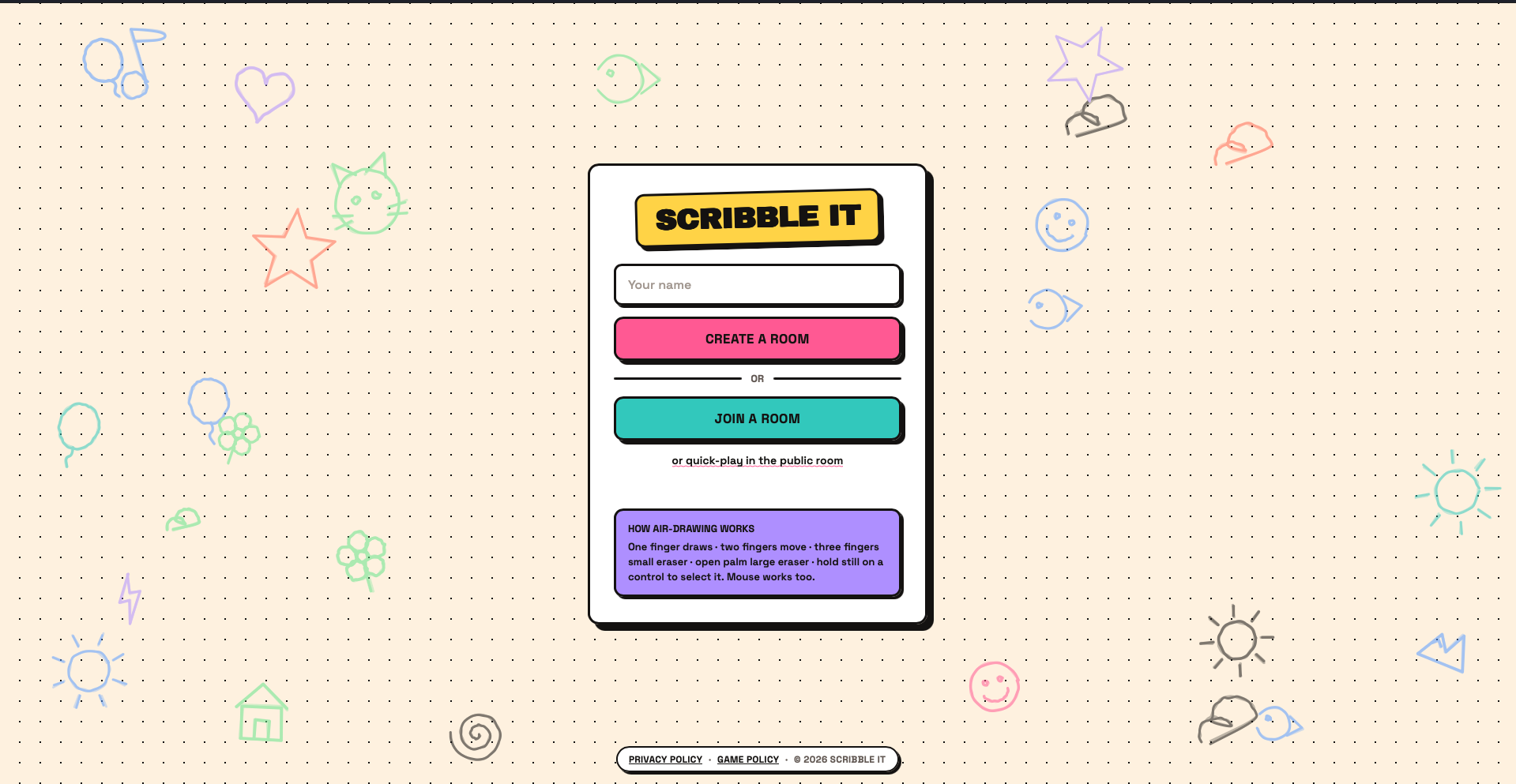
Scribble-IT.FUN
A real-time multiplayer party game where your webcam becomes the pen: point to draw, hold up three fingers to erase, and let your friends guess before the timer runs out.
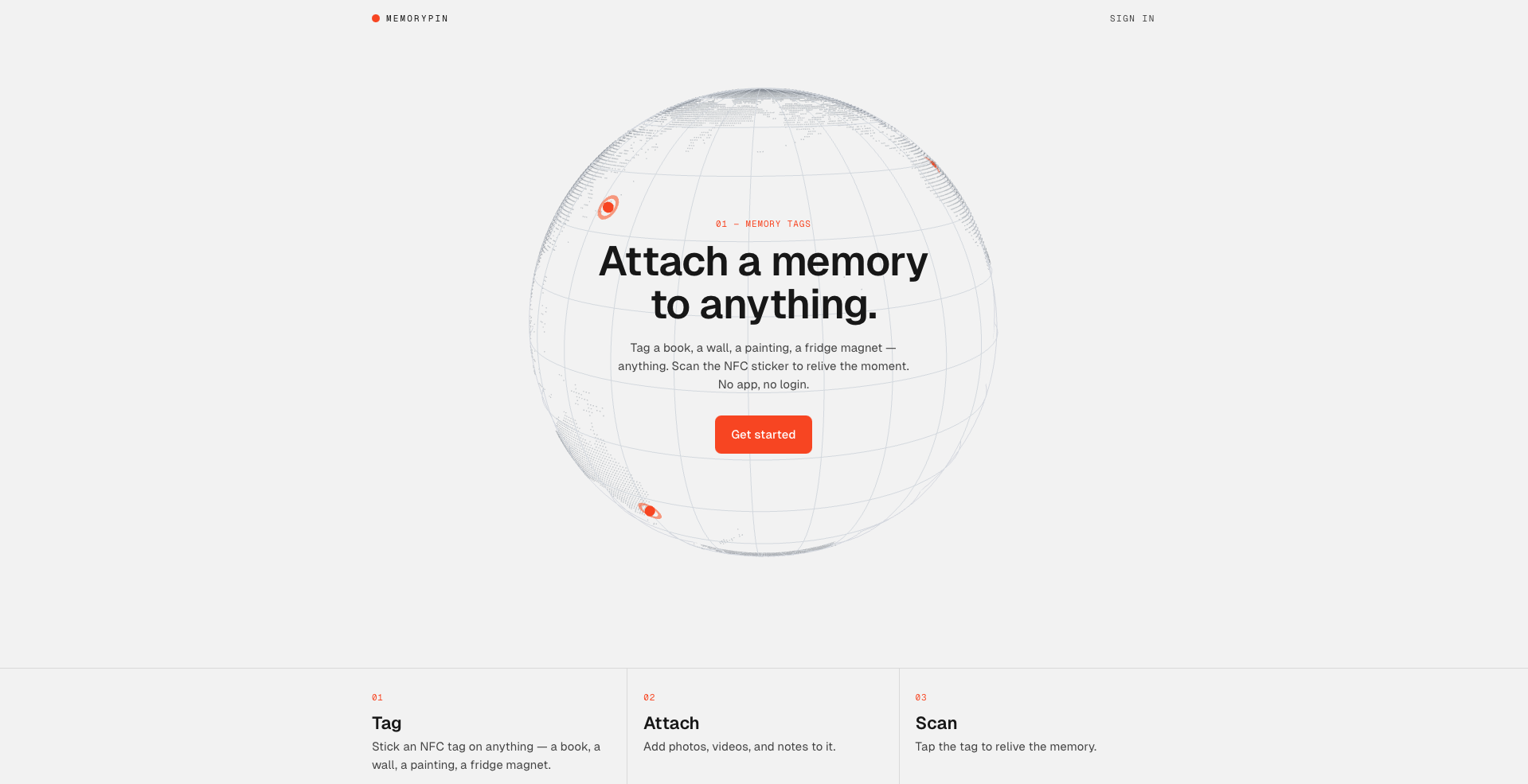
Memory Pin
Attach digital memories to physical objects
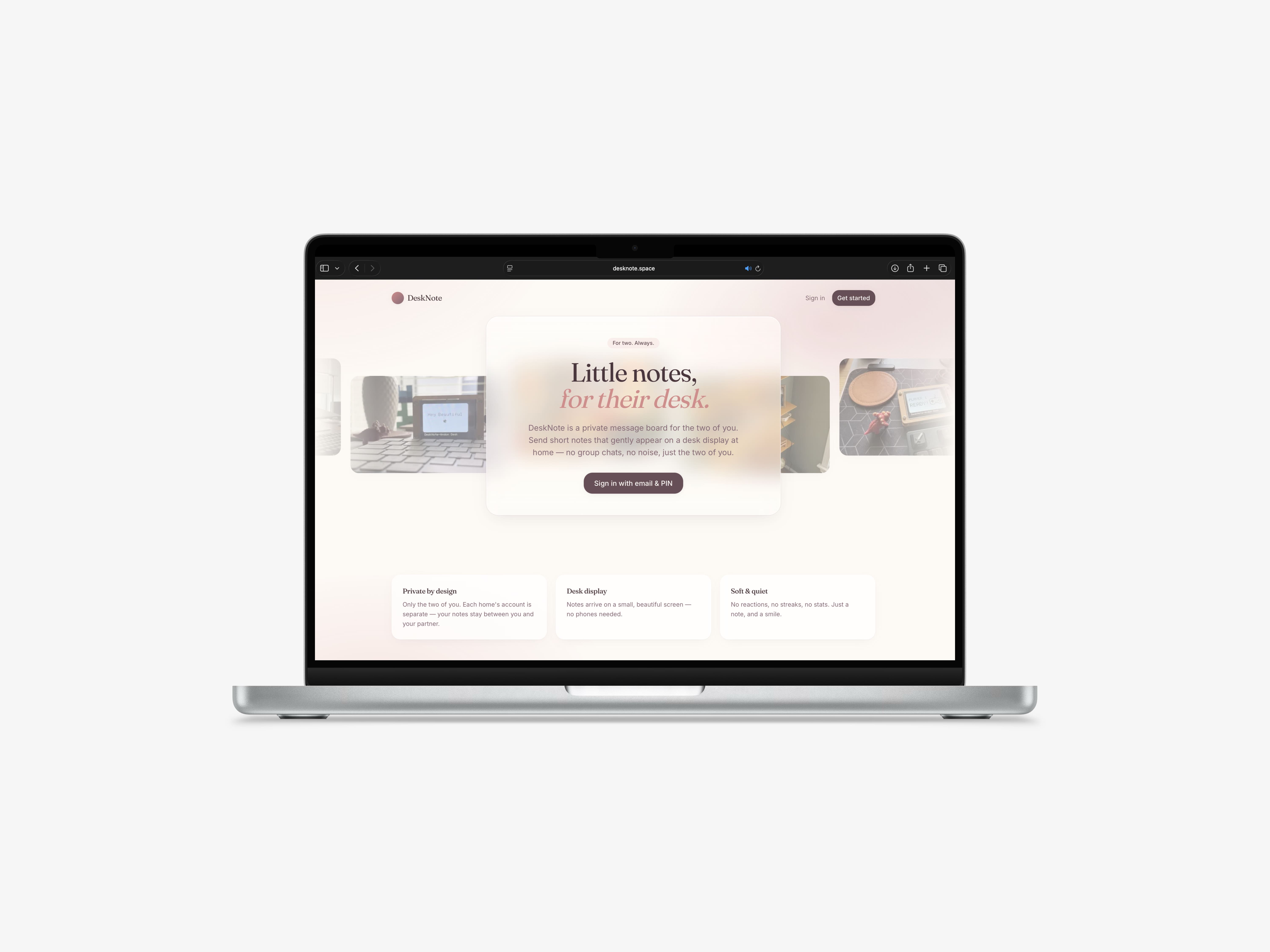
Desknote
A Next.js PWA to send private notes to paired ESP32 desk displays in real time.